
Host Identification in Networking (How Devices are Identified – CCNA Day 9)

Introduction
In any network, every device must be uniquely identified. This process is called Host Identification.
Without identification, data cannot reach the correct device.
In this guide, you will learn:
What is a host
How hosts are identified
IP Address & MAC Address
Real-life examples
Importance in networking
What is a Host?
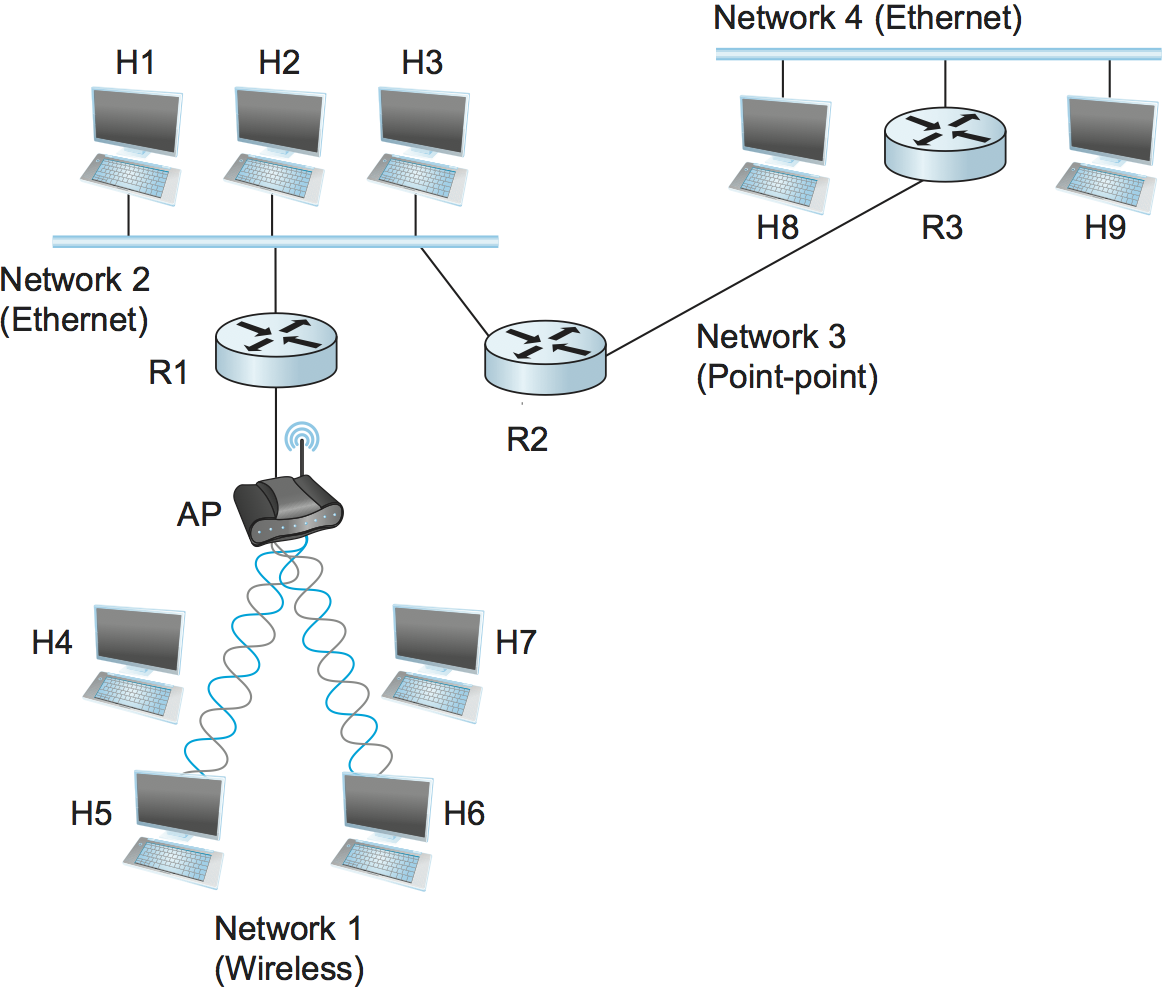
A host is any device connected to a network.
Examples:
Mobile
Laptop
Computer
Printer
👉 Any device with an IP address is called a host.
What is Host Identification?
Host identification means uniquely identifying each device in a network.
This is done using:
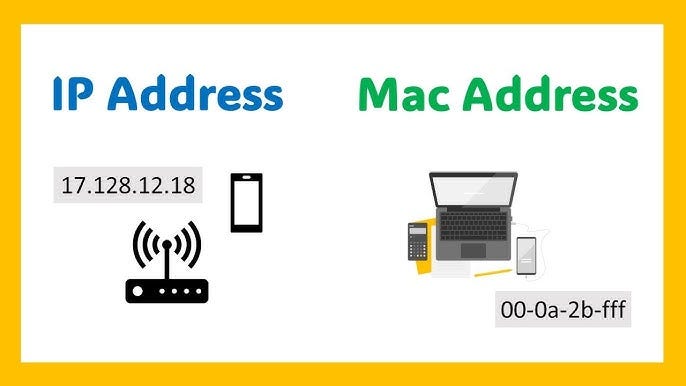
IP Address (Logical Address)
MAC Address (Physical Address)
1️⃣ IP Address (Logical Identification)
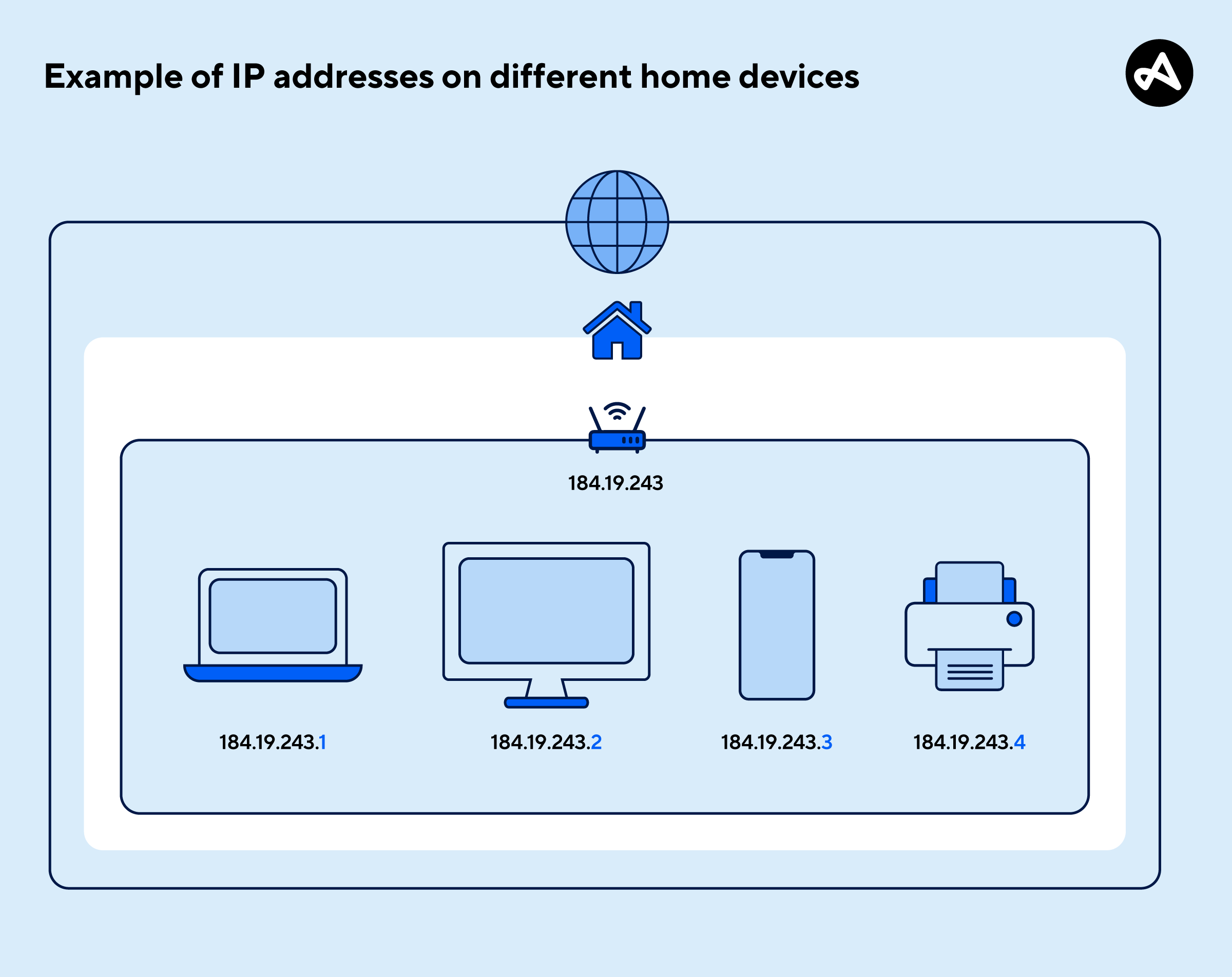
An IP address identifies a device on a network.
Example:
Mobile → 192.168.1.2
Laptop → 192.168.1.3
👉 Each device has a unique IP.
Real-Life Example:
👉 Like your home address helps people find your house
👉 IP address helps data find your device
2️⃣ MAC Address (Physical Identification)
MAC address is a unique hardware address assigned to network device.
Example:
👉 00:1A:2B:3C:4D:5E
Real-Life Example:
👉 IP address = Your home address
👉 MAC address = Your fingerprint
👉 Fingerprint is unique and cannot be changed easily.
Difference Between IP and MAC Address
| Feature | IP Address | MAC Address |
|---|---|---|
| Type | Logical | Physical |
| Changeable | Yes | No |
| Used For | Routing | Device identification |
| Example | 192.168.1.1 | 00:1A:2B:3C |
How Host Identification Works
When you send data:
Device uses IP address to find destination
Network uses MAC address to deliver data locally
Example (Step-by-Step)
You send data from mobile to laptop:
Mobile IP → 192.168.1.2
Laptop IP → 192.168.1.3
Process:
IP identifies destination
MAC ensures correct delivery
Role of ARP
To connect IP and MAC, network uses:
👉 Address Resolution Protocol (ARP)
ARP finds MAC address using IP.
Example:
You know IP → 192.168.1.3
ARP finds MAC → 00:1A:XX:XX
Real-Life Example (Home Network)
In your home:
Router → 192.168.1.1
Mobile → 192.168.1.2
Laptop → 192.168.1.3
Each device is uniquely identified using IP + MAC.
FTTH Example
In FTTH:
ONT has MAC address
Router assigns IP to devices
ISP tracks user via IP
👉 Both IP & MAC are important.
Why Host Identification is Important
It helps in:
✔ Accurate data delivery
✔ Network communication
✔ Troubleshooting
✔ Security
Common Problems
❌ Duplicate IP address
❌ Wrong IP configuration
❌ MAC conflict (rare)
Common Interview Question
👉 What is the difference between IP and MAC?
Answer:
✔ IP = Logical address
✔ MAC = Physical address
Conclusion
Host identification is essential in networking.
Using:
IP Address (Logical)
MAC Address (Physical)
devices can communicate correctly in a network.
This concept is the backbone of network communication.
SEO Keywords
host identification networking
IP vs MAC address
what is host in network
network device identification
ARP protocol explained
CCNA host identification
Suggested Blogger Tags
CCNA
Networking Basics
IP Address
MAC Address
ARP
Network Fundamentals
Cisco

0 Response to "Host Identification in Networking (How Devices are Identified – CCNA Day 9)"
Post a Comment