
Common Fiber Faults and Troubleshooting Guide (FTTH Engineer Handbook 2026)

Introduction
Fiber internet is known for high speed and stability, but in real field operations, faults are common. As an FTTH or broadband engineer, understanding fiber issues and their troubleshooting steps is very important.
In this guide, we will cover:
Most common fiber faults
LOS red light issue
Low optical power problem
Fiber cut cases
Splitter issues
Step-by-step troubleshooting process
This article is specially written for field engineers and ISP technicians.
1️⃣ LOS Red Light Problem
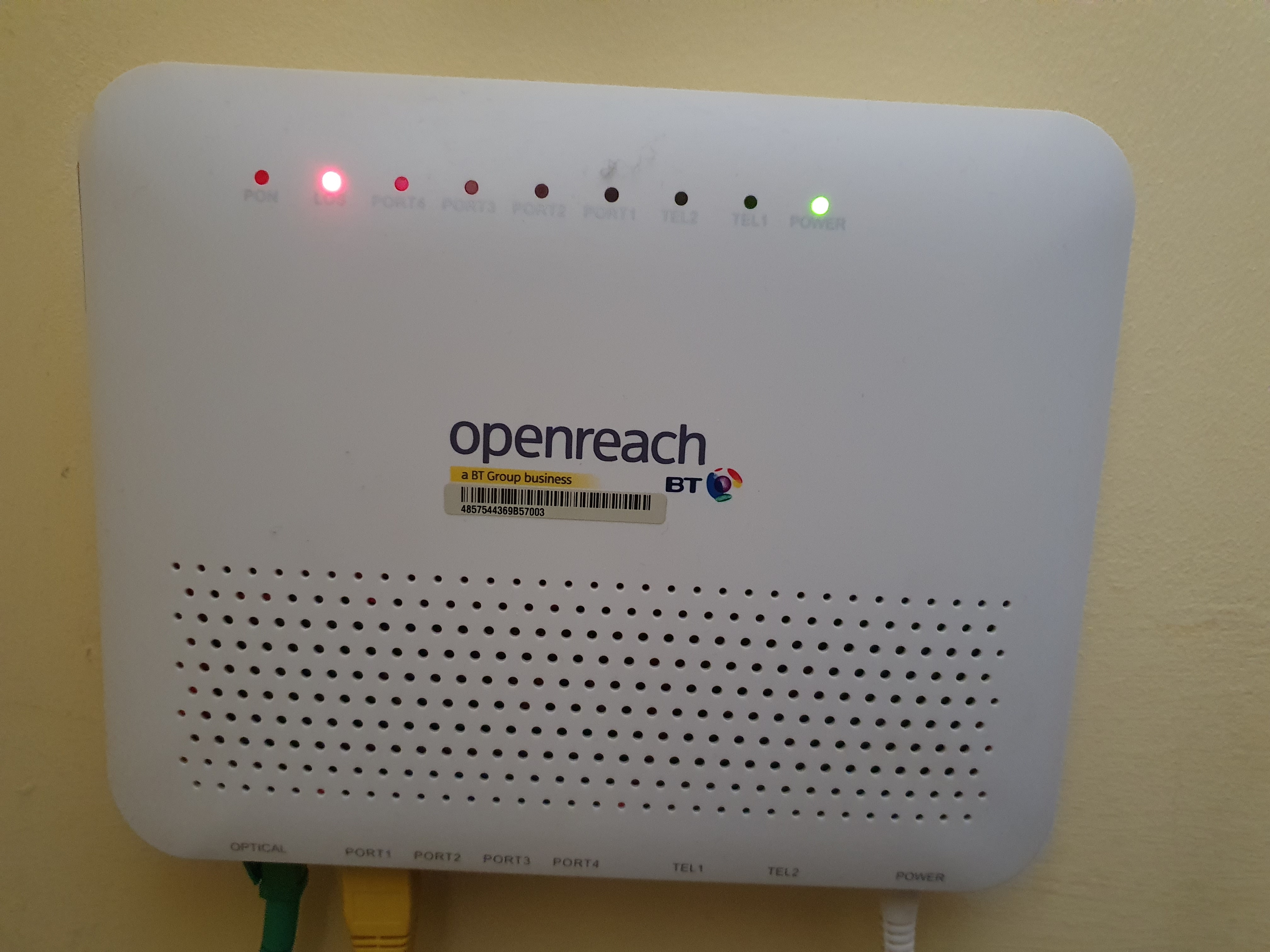
LOS means Loss of Signal.
When the LOS light on ONT becomes red or blinking red, it means the optical signal is not reaching the ONT properly.
Possible Reasons:
Fiber break between OLT and ONT
Patch cord damage
Loose connector
High bending of fiber cable
Splitter port problem
Troubleshooting Steps:
Check patch cord properly connected.
Clean connector with fiber cleaning pen.
Check for visible bending.
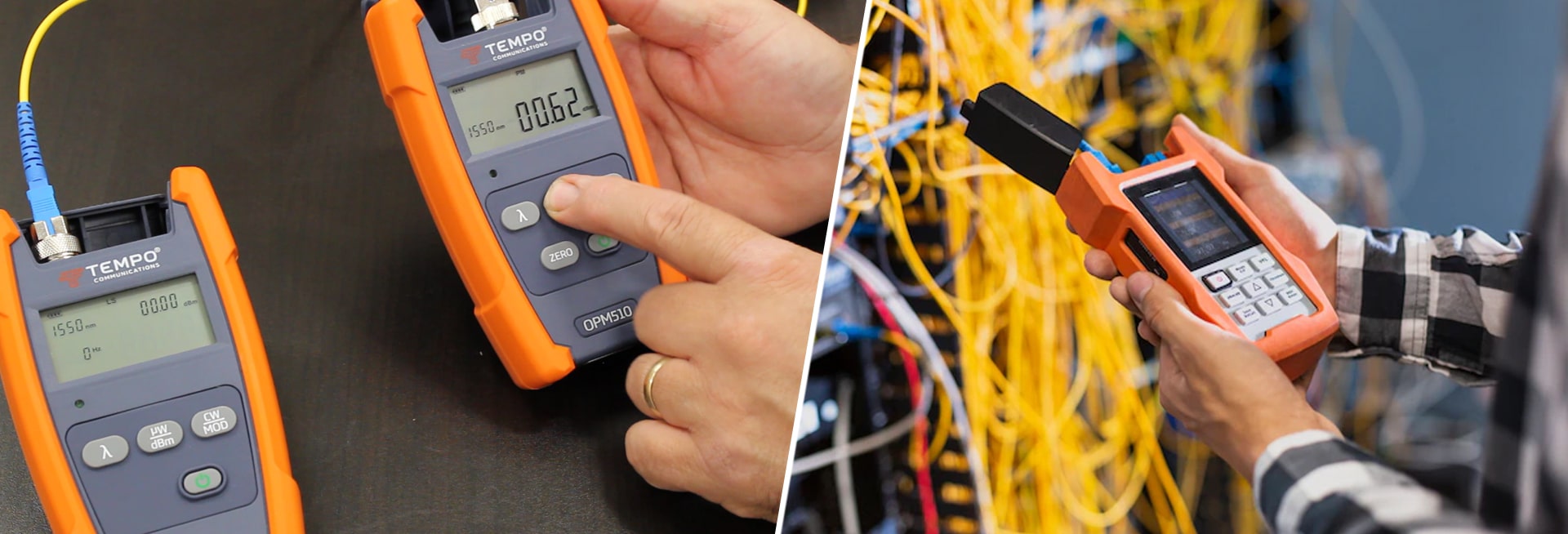
Measure optical power using power meter.
Escalate to O&M team if feeder issue.
2️⃣ Low Optical Power Issue
Normally ONT receive power between:
-8 dBm to -27 dBm
If power goes below -28 dBm, connection becomes unstable.
Causes:
Long distance fiber
Poor splicing
High splitter ratio
Dirty connector
Macro bending
Solution:
Check FAT power level.
Verify splice quality.
Replace damaged patch cord.
Reduce unnecessary bends.
3️⃣ Fiber Cut Issue
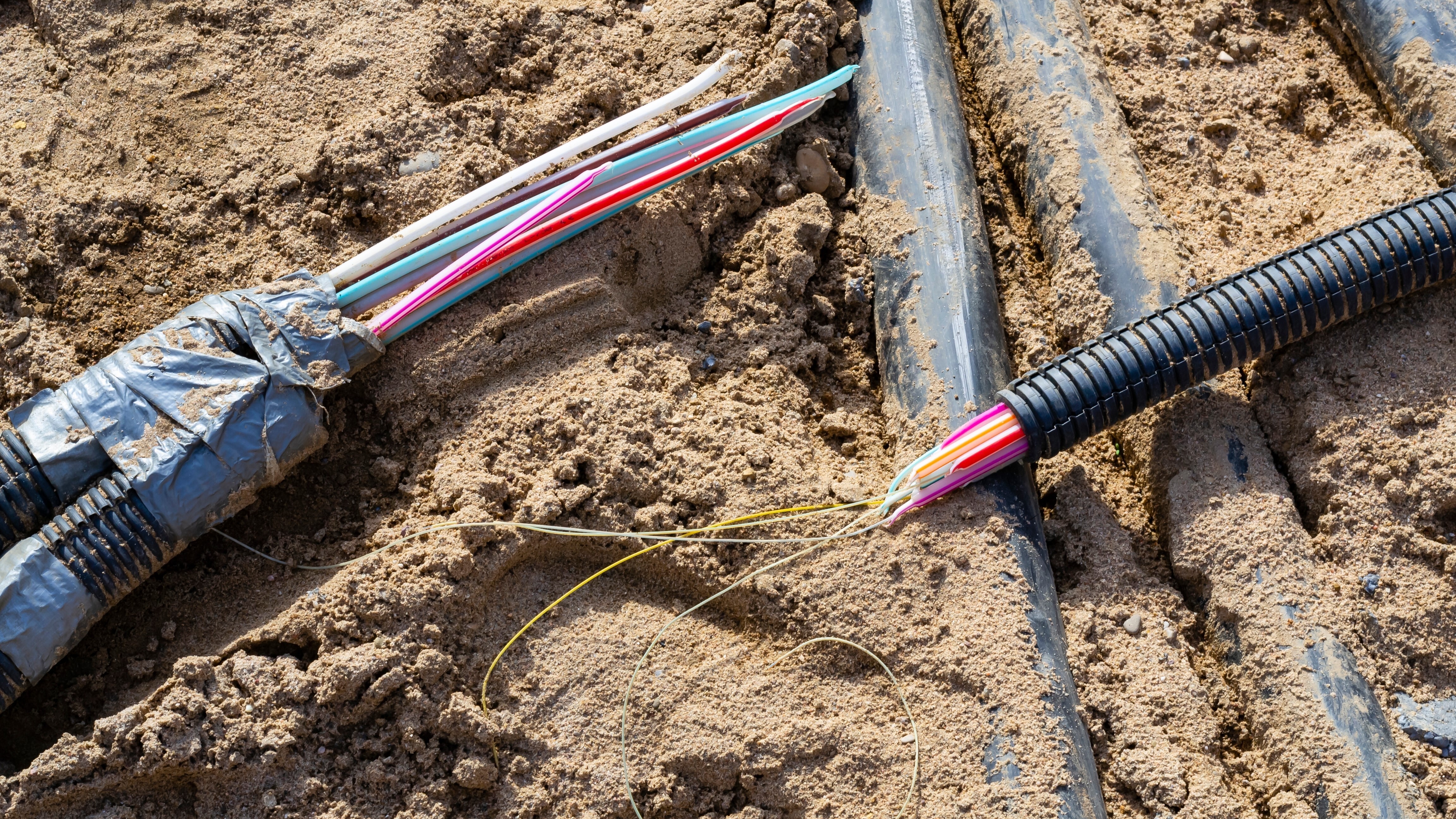
Fiber cut is one of the most common major faults.
Reasons:
Road digging
Construction work
Rodent damage
Tree falling on aerial cable
How to Identify:
Multiple customers down in same PON.
Power level zero.
OLT showing loss for multiple ONTs.
In such cases, OTDR testing is required to find cut location.
4️⃣ Splitter Fault
Optical splitter is a passive device, but sometimes:
One port may fail
High insertion loss
Water entry in closure
Poor installation
If multiple users from same splitter are down, check splitter first.
5️⃣ ONT Not Registering
If ONT is not coming online:
Possible reasons:
Serial number not added in OLT
Wrong VLAN configuration
Authentication failure
Firmware issue
Check configuration in OLT panel before replacing ONT.
6️⃣ WiFi Working but No Internet
Sometimes PON light is stable but internet not working.
Check:
WAN configuration
PPPoE username/password
IP conflict
DNS issue
ISP backend issue
This is mostly configuration related, not fiber issue.
Standard FTTH Troubleshooting Flow (Field Process)
Follow this order:
Check Power Supply
Check LOS light
Measure Optical Power
Check Patch Cord
Verify OLT Configuration
Escalate if feeder problem
This systematic approach reduces repeat visits.
Important Tools for Fiber Engineer
Optical Power Meter
OTDR
Visual Fault Locator (VFL)
Fiber Cleaver
Fusion Splicing Machine
These tools are essential for professional troubleshooting.
Preventive Measures
To reduce fiber faults:
Avoid tight bending
Use proper cable routing
Protect joints from water
Use good quality patch cords
Maintain proper documentation
Conclusion
Fiber networks are powerful but sensitive. Most faults occur due to physical damage, poor splicing, or improper handling.
As an FTTH engineer, understanding LOS, power levels, splitter issues, and configuration errors helps in quick resolution and better customer satisfaction.
With proper troubleshooting knowledge, you can reduce downtime and improve network performance significantly.
SEO Keywords
Common fiber faults
FTTH troubleshooting guide
LOS red light solution
Low optical power problem
Fiber cut detection
GPON fault analysis

0 Response to " Common Fiber Faults and Troubleshooting Guide (FTTH Engineer Handbook 2026)"
Post a Comment