
Static IP vs Dynamic IP: Complete Guide for FTTH & Broadband Users (2026)

Introduction
When installing broadband for homes or businesses, one common question customers ask is:
“Do I need a Static IP?”
Understanding the difference between Static IP and Dynamic IP is very important for FTTH engineers, business owners, and advanced users.
In this guide, we will explain:
What is Static IP?
What is Dynamic IP?
Key differences
Real-world examples
When to choose Static IP
CCTV & port forwarding use case
What is an IP Address?
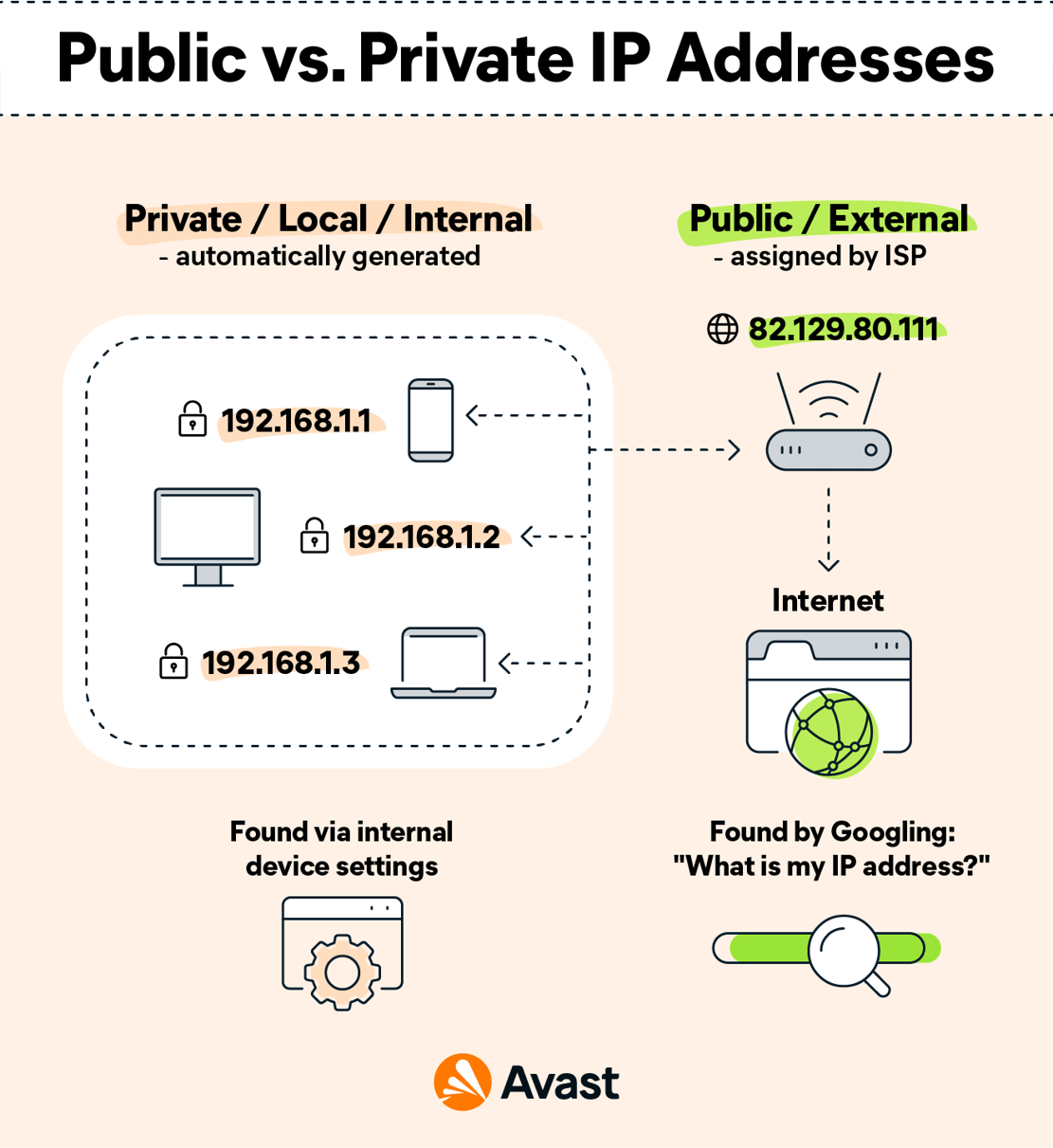
An IP (Internet Protocol) address is a unique number assigned to a device connected to the internet.
Example of an IP address:
103.25.145.67
It allows devices to communicate over the internet.
There are two main types:
Static IP
Dynamic IP
What is Static IP?
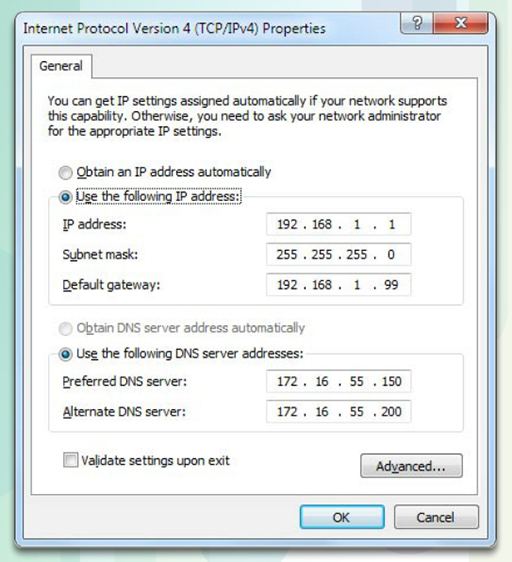
A Static IP address is a fixed IP address that does not change.
Once assigned by ISP, it remains the same every time you connect to the internet.
Example:
If your Static IP is:
103.25.145.67
It will remain the same even after restarting the router.
Where Static IP is Used?
✅ CCTV remote viewing
✅ Hosting servers
✅ Office firewall setup
✅ Port forwarding
✅ VPN access
✅ Business applications
Static IP is mostly used in commercial connections.
What is Dynamic IP?
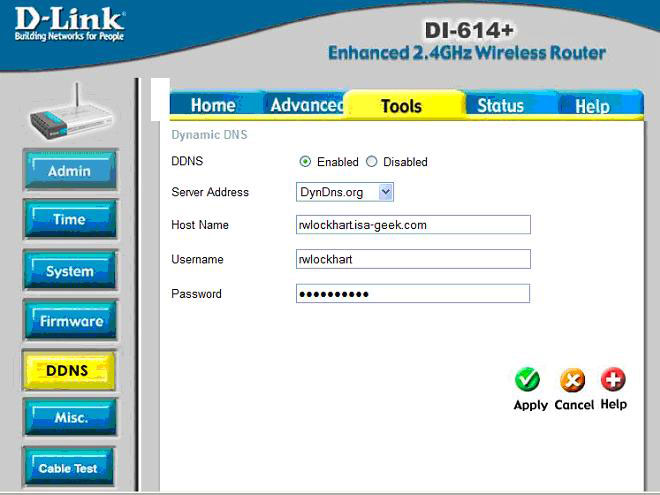
A Dynamic IP address changes automatically whenever:
Router restarts
PPPoE reconnects
ISP refreshes session
It is assigned by DHCP server automatically.
Example:
Today:
49.36.120.15
Tomorrow after restart:
49.36.118.42
This is normal for home broadband users.
Static IP vs Dynamic IP (Comparison Table)
| Feature | Static IP | Dynamic IP |
|---|---|---|
| IP Change | No | Yes |
| Cost | Higher | Included in plan |
| Best For | Business | Home users |
| CCTV Remote Access | Stable | Difficult |
| Security | Slightly lower (public exposure) | Better |
Why CCTV Needs Static IP?
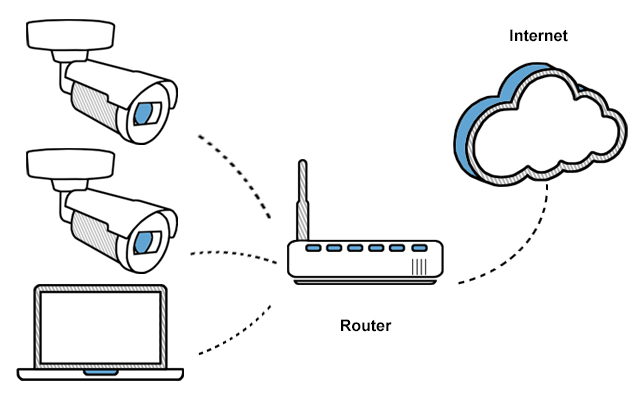

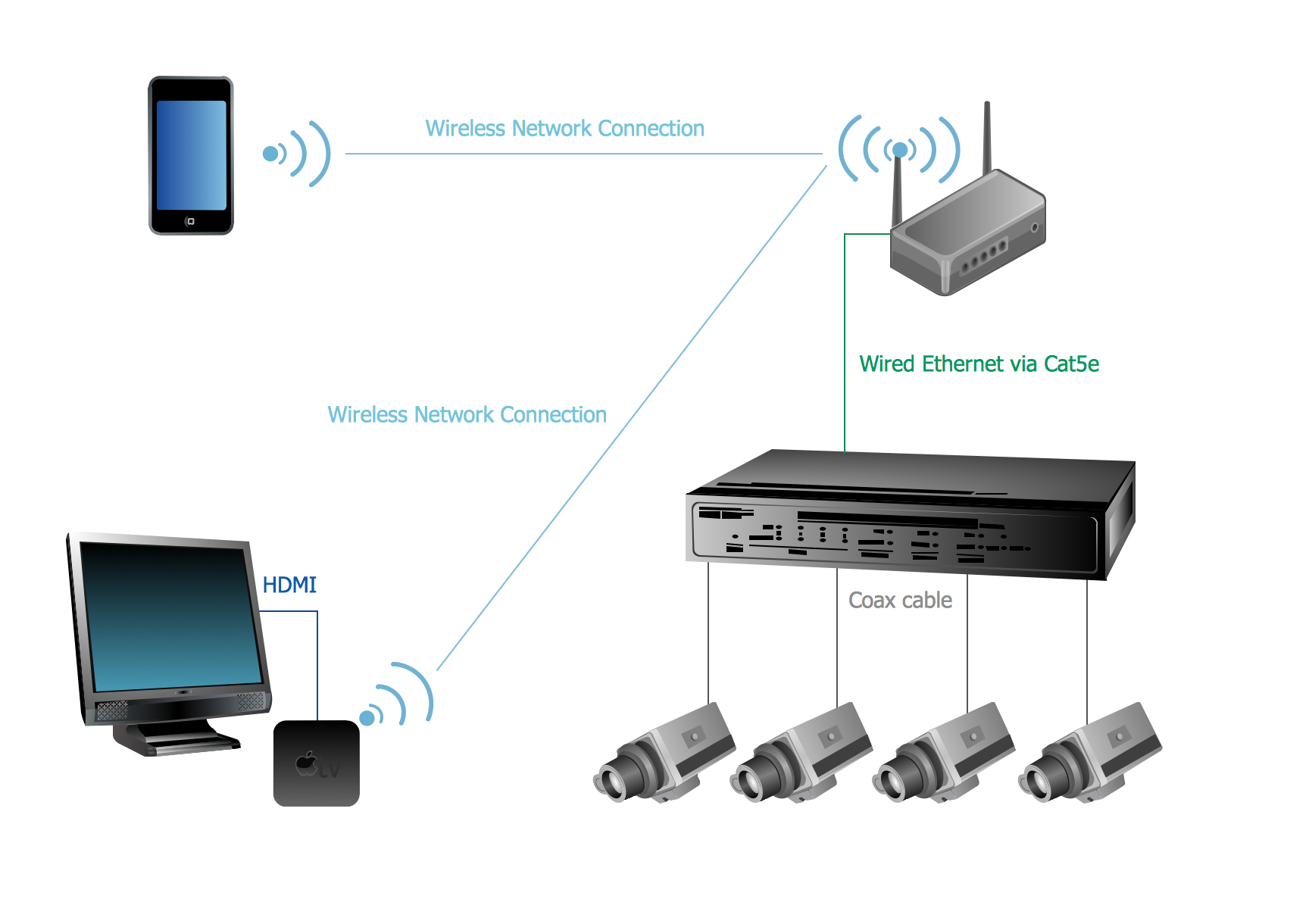
When installing CCTV DVR/NVR, remote viewing requires:
Public IP
Port forwarding
If IP keeps changing (Dynamic), remote access stops working.
Static IP ensures:
Permanent remote monitoring
Stable port mapping
No need to update IP every time
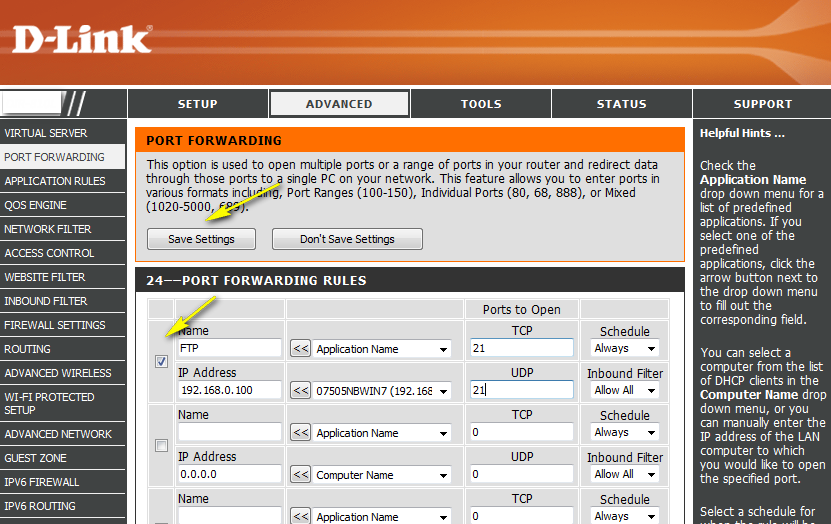
What is Port Forwarding?
Port forwarding allows external devices to access internal network services.
Example:
If DVR runs on port 8080, router forwards:
Public IP:8080 → DVR internal IP
This is commonly configured in Gigabit Passive Optical Network (GPON) based FTTH networks.
Does Every Customer Need Static IP?
No ❌
For normal home users:
Browsing
YouTube
OTT
Social media
Gaming
Dynamic IP is perfectly fine.
Static IP is only required for advanced or business needs.
Security Considerations
Static IP is always visible publicly, so:
Firewall must be configured
Strong passwords required
Unused ports must be closed
For businesses, proper network security is important.
Cost of Static IP in India
Most ISPs charge:
₹150 to ₹500 per month (approx.)
Pricing depends on provider and city.
Future Scope
With increasing:
Remote work
Cloud servers
Smart surveillance
IoT devices
Demand for Static IP is increasing in business and commercial broadband connections.
Conclusion
Static IP and Dynamic IP both serve different purposes.
Choose Static IP if you need:
Remote access
Server hosting
CCTV monitoring
Fixed public identity
Choose Dynamic IP for:
Normal home usage
Budget-friendly internet
Basic browsing & streaming
As an FTTH engineer, you should understand both clearly to guide customers properly.
SEO Keywords
Static IP vs Dynamic IP
Static IP for CCTV
Port forwarding explained
FTTH static IP configuration
Public IP vs private IP
Broadband static IP cost

0 Response to " Static IP vs Dynamic IP: Complete Guide for FTTH & Broadband Users (2026)"
Post a Comment