
👉 Always explain politely. Most cases are expectation mismatch.
📡 Complete Blog: FTTH & Wireless Internet Issue Categories with Solutions (2026 Guide)
Internet complaints are common in FTTH and wireless networks. As an ISP engineer or support executive, you must clearly understand issue sub-types (problem categories) and their practical solutions.
This guide explains each problem type in simple language with real field-level solutions.
1️⃣ Parameters OK – Customer Not Satisfied
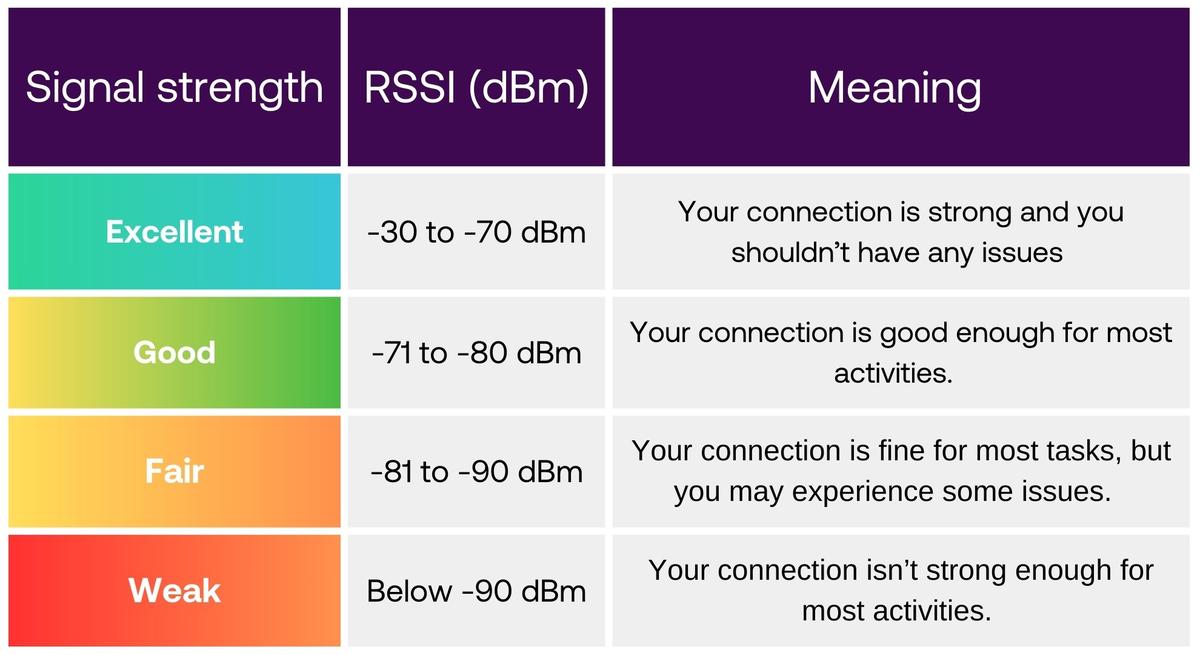

🔎 Problem:
Signal strength is good
Speed test showing correct plan speed
No packet loss
But customer still unhappy
🎯 Possible Reasons:
High expectations (expecting unrealistic speed)
Old device (mobile/laptop slow)
Background apps using data
WiFi vs LAN speed difference
High ping in gaming
✅ Solution:
✔ Check speed on LAN cable
✔ Close background apps
✔ Explain plan speed limit (100 Mbps ≠ 100 MB/s)
✔ Suggest router placement improvement
✔ Upgrade router if very old
2️⃣ Connection Not Working
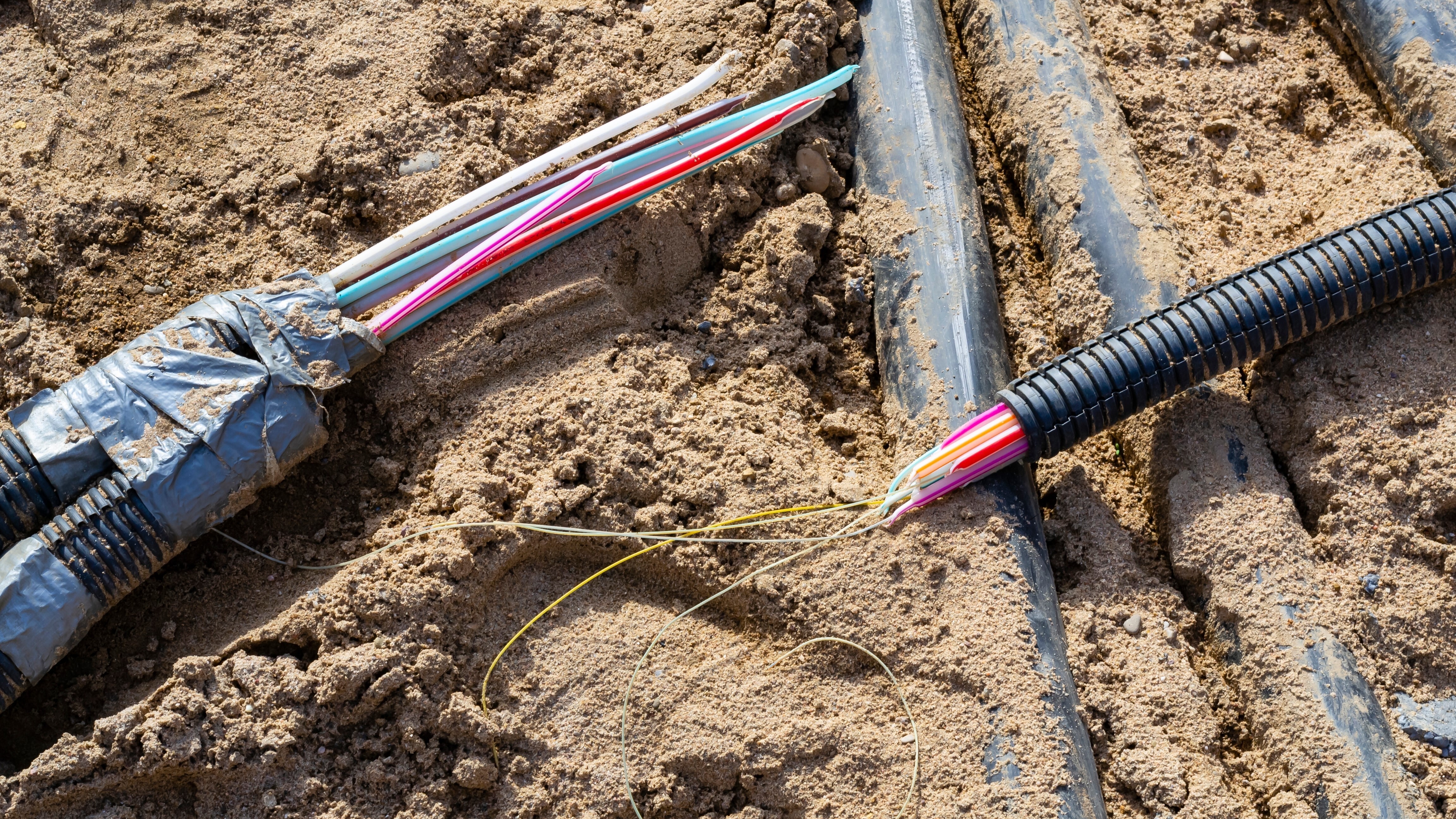

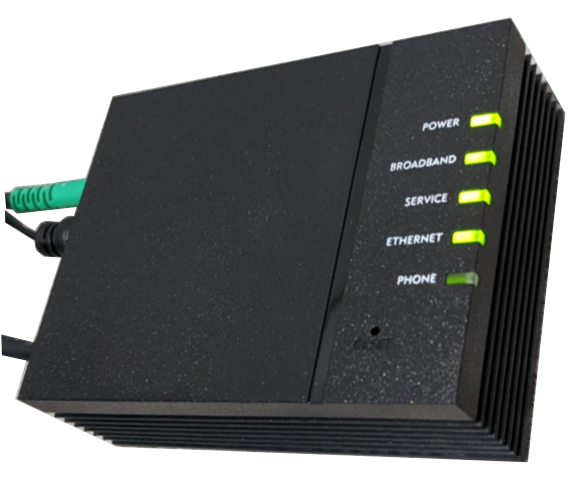
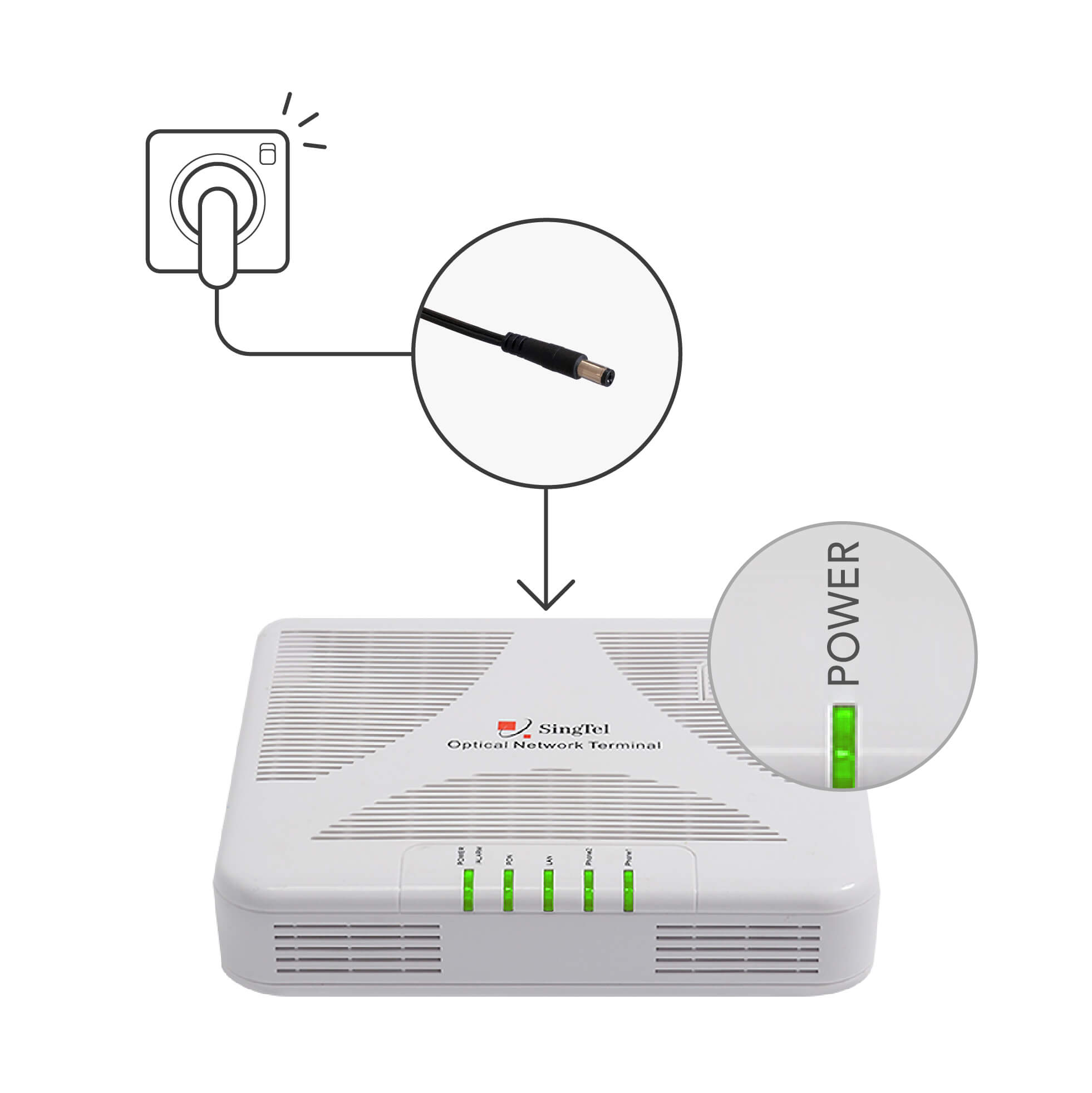
🔎 Problem:
No internet
Red LOS light on ONT
Router showing “No Internet”
🎯 Possible Causes:
Fiber cut
Power issue
ONT faulty
Backend deactivated
OLT port issue
✅ Solution:
✔ Check power supply
✔ Check fiber patch cord
✔ Check LOS light
✔ Verify account active in system
✔ Escalate to OLT team if needed
3️⃣ Same Premise Shifting – Requests
🔎 Problem:
Customer shifting router within same house.
🎯 Causes:
New room setup
Office room shifting
Poor WiFi coverage
✅ Solution:
✔ Check fiber length availability
✔ Replace patch cord if needed
✔ Re-route fiber safely
✔ Avoid sharp bends
✔ Update CRM address if required
⚠ Never stretch fiber tightly.
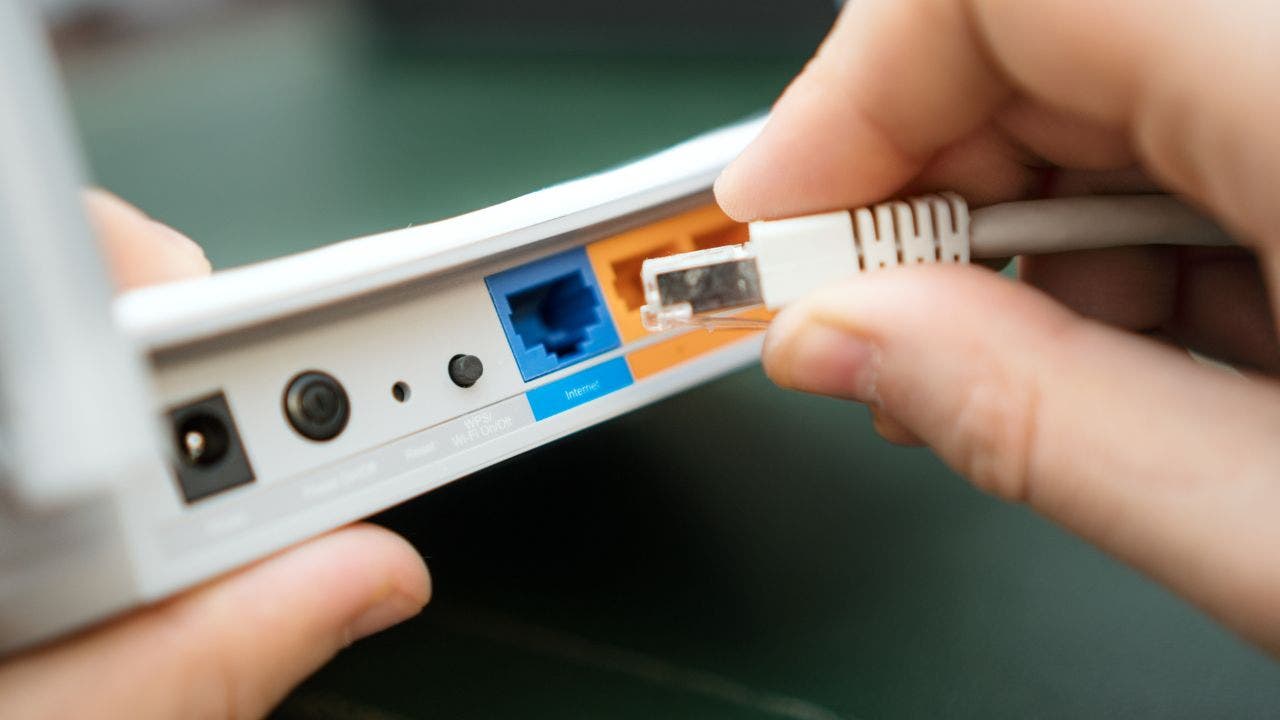
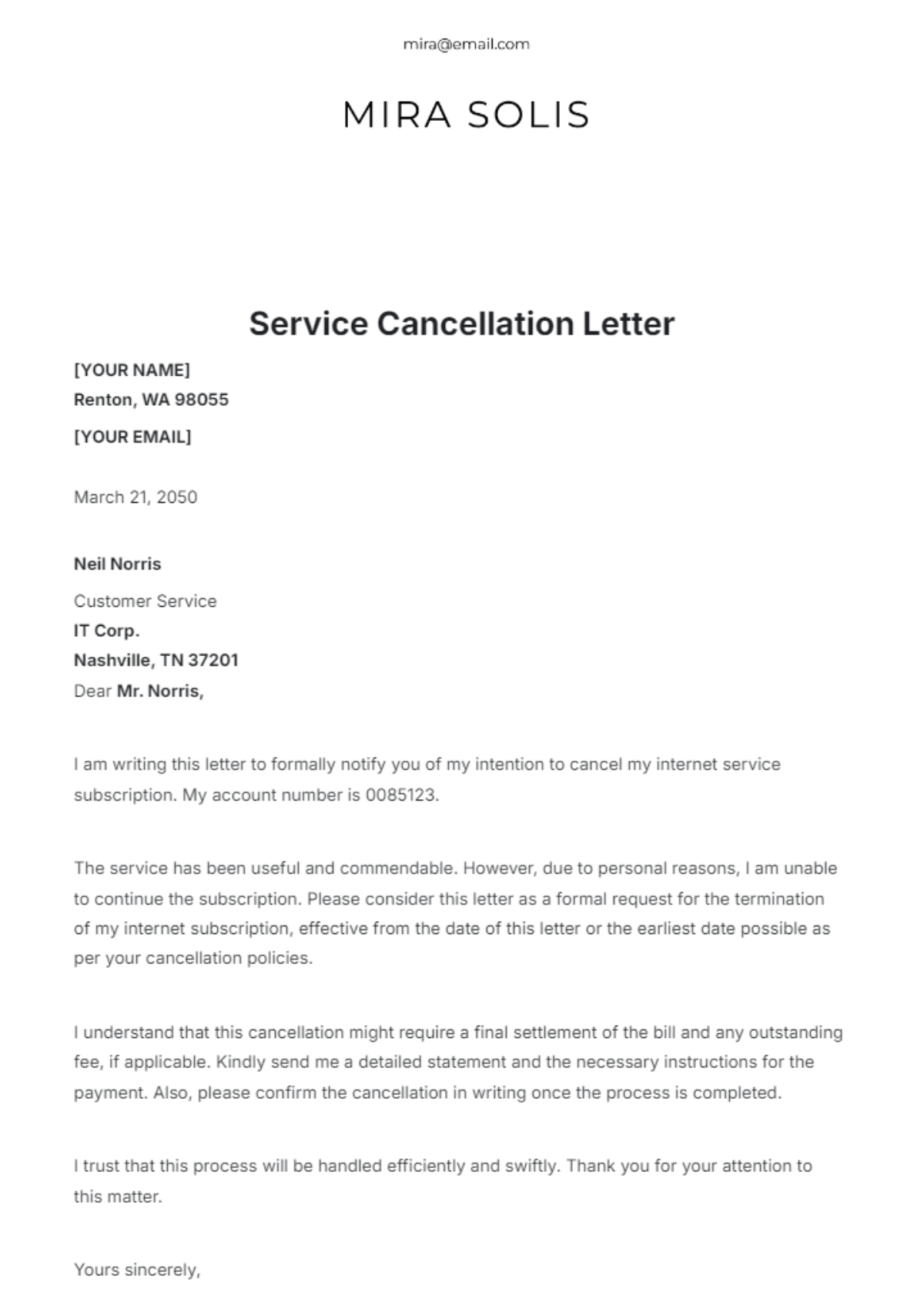
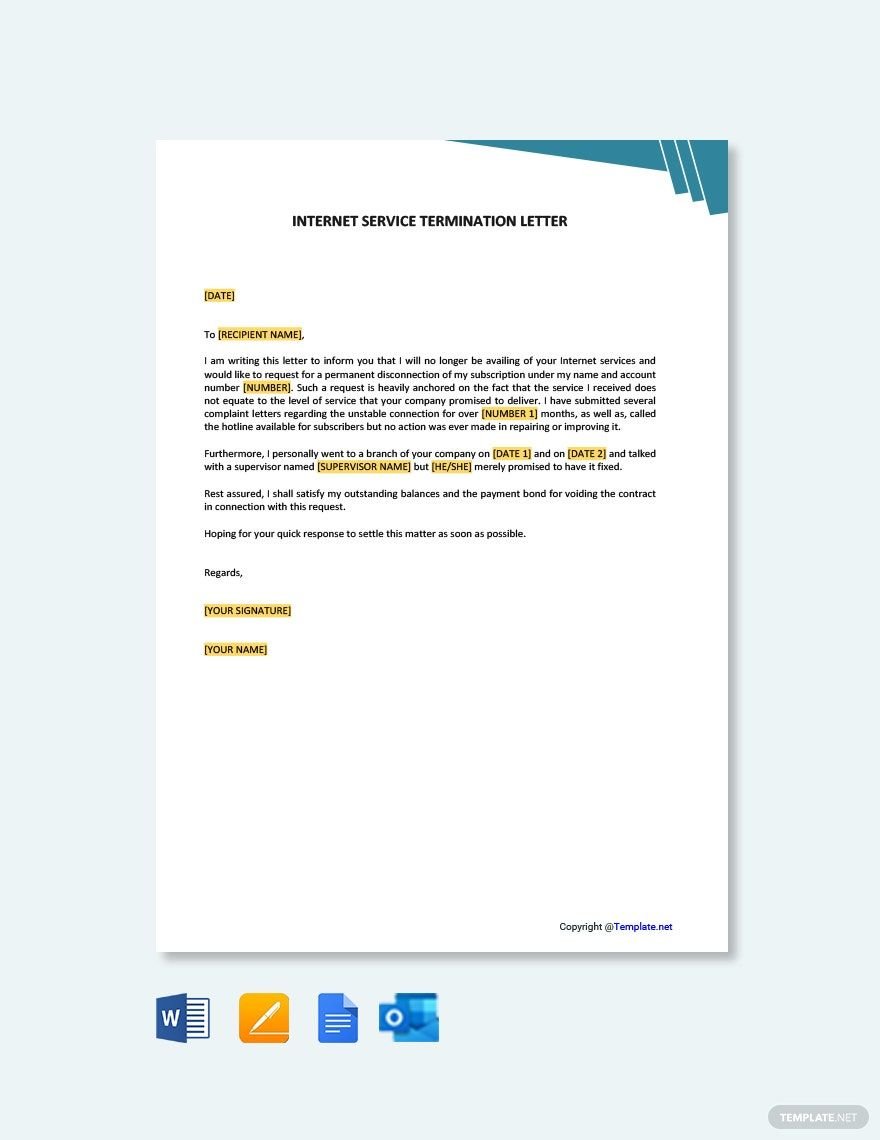
4️⃣ Cancellation Due to Network Issues

🔎 Problem:
Customer wants disconnection because of bad service.
🎯 Root Causes:
Frequent downtime
Slow speed
Poor support response
Area network problem
✅ Solution:
✔ Check complaint history
✔ Offer technical visit
✔ Provide temporary solution
✔ Give waiver/discount (if policy allows)
✔ Escalate area issue
👉 Retention call is very important before final cancellation.
5️⃣ Reprovisioning – Requests
🔎 Problem:
Connection active but internet not working due to backend issue.
🎯 Causes:
VLAN mismatch
Profile not mapped
IP not assigned
Radius authentication error
✅ Solution:
✔ Reconfigure profile in system
✔ Restart ONT after reprovision
✔ Check IP assignment
✔ Confirm speed profile applied
This is common after plan upgrade or migration.
6️⃣ Bad Coverage on Static Wireless Device


🔎 Problem:
Low signal strength in static wireless (CPE device).
🎯 Causes:
Tower alignment issue
Obstruction (tree/building)
Weather effect
Antenna loose
✅ Solution:
✔ Re-align antenna toward tower
✔ Check RSSI value
✔ Remove obstacle if possible
✔ Upgrade to higher gain antenna
Good RSSI = Stable connection.
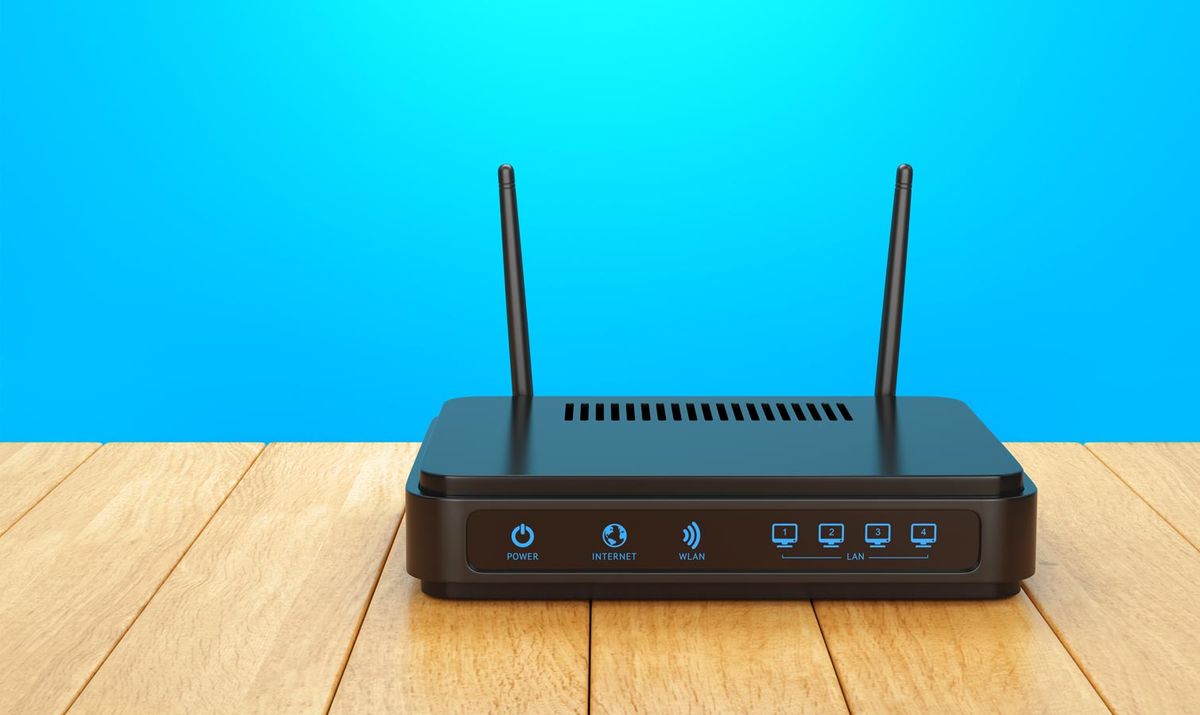
7️⃣ Frequent Disconnection


🔎 Problem:
Internet disconnects again and again.
🎯 Causes:
Loose fiber
Router overheating
Power fluctuation
ONT firmware issue
High bandwidth usage
✅ Solution:
✔ Check connectors
✔ Replace adapter
✔ Update firmware
✔ Suggest UPS
✔ Check backend logs
8️⃣ Coverage Hole Identified
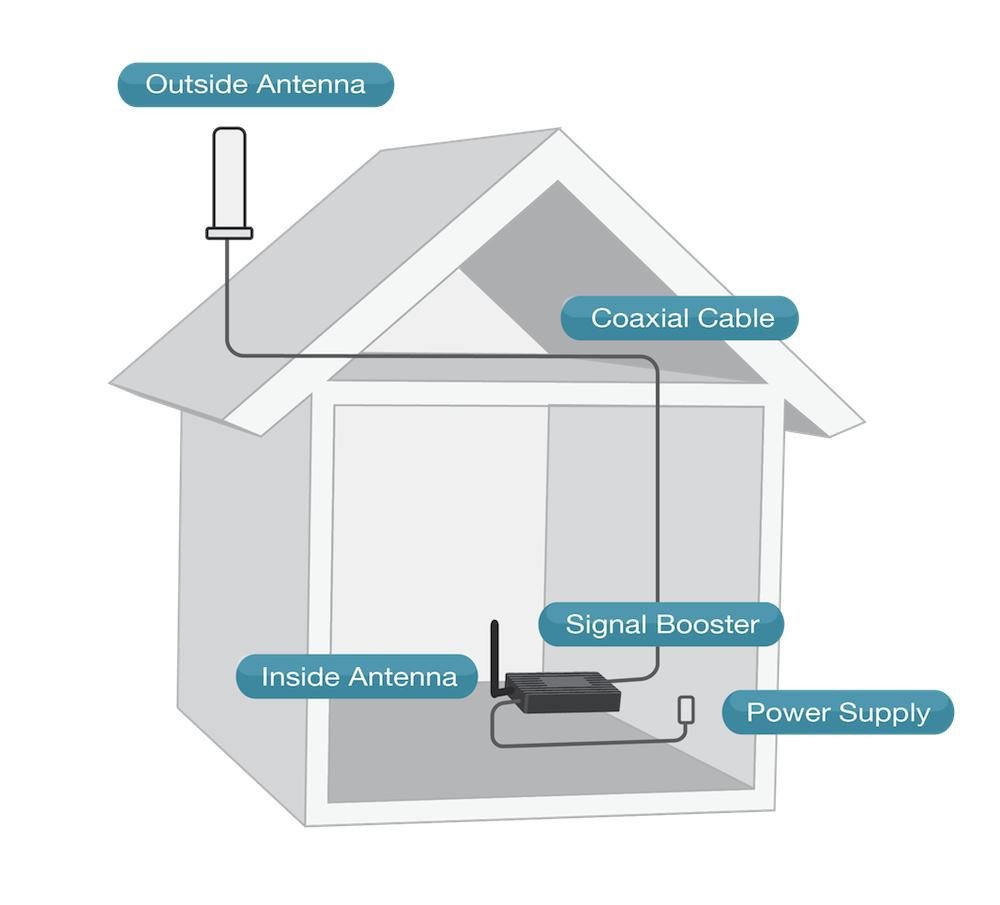


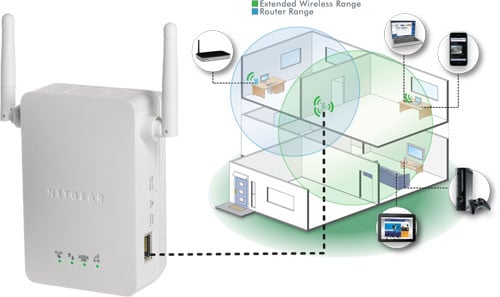
🔎 Problem:
Specific area has no signal.
🎯 Causes:
Thick wall
Long distance
Router placement wrong
Interference
✅ Solution:
✔ Change router central location
✔ Install WiFi extender
✔ Use Mesh system
✔ Use 5GHz near router / 2.4GHz far rooms
📊 Summary Table
| Issue Type | Main Cause | Quick Fix |
|---|---|---|
| Parameters OK | Expectation mismatch | Explain & test via LAN |
| Connection Not Working | Fiber / Backend issue | Check LOS & account |
| Same Premise Shifting | Router relocation | Re-route fiber safely |
| Cancellation | Poor service | Technical retention visit |
| Reprovisioning | Backend config | Reset profile |
| Bad Coverage (Wireless) | Alignment issue | Adjust antenna |
| Frequent Disconnection | Hardware / power | Check connectors |
| Coverage Hole | Dead zone | Install extender |
🎯 Final Advice for ISP / FTTH Engineers
Always check physical layer first
Then check backend provisioning
Then check customer device
Always speak calmly
Document every visit in CRM
If you want, I can also create:
✅ PDF version
✅ Interview questions based on these issues
✅ Real field troubleshooting checklist
✅ SEO optimized version for your blog
Just tell me 👍

0 Response to "FTTH & Wireless Internet Issue Categories with Solutions (2026 Guide)"
Post a Comment